What Is 5G Home Internet, and Is It Good Enough to Replace Cable?
Contents
5G home internet brings broadband into your home over the same kind of cellular network your phone uses — no cable, fiber or phone line to the house. In the US it is sold by the big mobile carriers, often at a flat monthly price and with self-installation. For many homes it is a real alternative to cable; for others it is noticeably worse. Here is how it works and how to tell which group you are in.
What 5G Home Internet Is
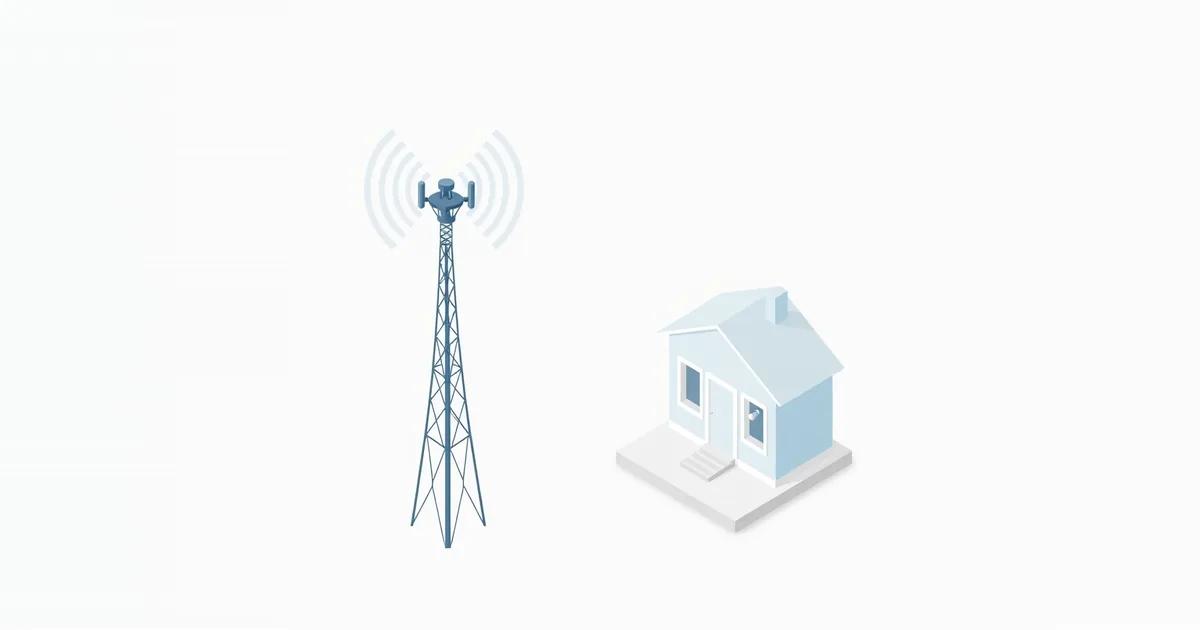
The technical name is fixed wireless access (FWA) over 5G. The provider sends you a gateway — a combined cellular modem and Wi-Fi router — that connects to a nearby cell tower and shares that connection with your devices over Wi-Fi and Ethernet. It is “fixed” because the service is tied to your address: Verizon, for example, states that its 5G Home equipment and service are registered to your qualified service address, and using them elsewhere without authorization can interrupt or end the service.
Older LTE home internet works the same way over 4G; 5G plans usually offer more speed. Traditional fixed wireless from local providers uses a dish on the roof aimed at the provider’s tower — a different service with the same basic idea.
How It Works
The gateway contains a SIM and a cellular radio. It talks to the carrier’s tower, and from there your traffic joins the carrier’s network and the internet. Verizon notes that its 5G Home router even has its own mobile number, which cannot be used for calls or texts.
Setup is usually done by you: plug in the gateway, find a spot with good signal using the carrier’s app, and connect your devices. Verizon describes self-setup as quick, with equipment arriving in a few business days. Because the signal comes through the air, speed and latency depend on the distance to the tower, obstacles, the 5G band available at your address, and how busy the tower is.
5G Home Internet vs Cable, Fiber and a Hotspot
| 5G home internet | Cable | Fiber | Phone hotspot | |
|---|---|---|---|---|
| Connection to home | Cellular signal | Coax cable | Fiber line | Cellular signal |
| Installation | Self-setup, no wiring | Existing coax or a technician | Technician | None |
| Speed consistency | Varies with signal and tower load | Fairly steady, slower at peak | Most consistent | Varies; often throttled |
| Latency | Higher than wired, varies | Low | Lowest | Higher, varies |
| Upload | Usually much lower than download | Lower than download | Often equal to download | Low |
| Use away from home | Not allowed (tied to address) | No | No | Yes |
See fiber vs cable internet and mobile hotspot vs home internet for those comparisons in detail.
Where to Put the Gateway
The gateway’s position matters more than with any wired service. Carriers build placement tools into their apps: Verizon’s My Verizon app has an option to find a stronger signal for its Internet Gateway, and T-Mobile’s troubleshooting for slow internet says to use the T-Life app to check the signal and find the best placement for the gateway.
General rules: higher is better, near a window facing the direction of the tower, away from thick walls, metal and appliances. Test the actual speed in each candidate spot rather than trusting the signal bars. Once the gateway is in its best spot for the cellular signal, Wi-Fi coverage inside the house may suffer — that is when a mesh system or extender helps; see what is mesh Wi-Fi and Wi-Fi dead zones. Verizon offers extenders with some 5G Home plans.
Limits to Know Before Switching
- Speeds vary. Evening congestion on the tower, weather and changes nearby can all move your speed. Ask about the expected speed at your exact address, and run tests at different times in the first weeks.
- Upload is low compared with download — see why is my upload speed so slow.
- Latency and stability are usually worse than fiber or cable. Fast online games and frequent video calls notice it; see what is a good ping.
- Port forwarding and hosting may not work, because carriers often put home internet behind shared NAT; see what is CGNAT and how to port forward.
- Your own router can usually be added behind the gateway, but the gateway stays in place; check the carrier’s rules. See what is double NAT.
- Moving: service is tied to the address; Verizon asks customers to contact it at least two weeks before a move to check availability at the new address.
Who It Suits
5G home internet is a good fit if cable or fiber is not available or is expensive where you live, if your household mainly streams and browses, or if you want a simple self-installed connection. It is a weaker fit for competitive gaming, heavy uploading, home servers, or homes where the signal at the gateway’s best spot is poor. Many carriers offer a trial period — use it to test speed and stability at your address before canceling a wired service. For overall needs, see how much internet speed do I need.
Frequently asked questions
How does 5G home internet work?
A gateway in your home connects to a nearby 5G cell tower and shares that connection with your devices over Wi-Fi and Ethernet. No cable or fiber is needed.
Is 5G home internet as good as cable?
Sometimes. With strong signal, speeds can match cable for streaming and browsing, but latency, upload and consistency are usually worse. Test at your address.
Can I take 5G home internet with me?
Usually not. The service is registered to your address; using it elsewhere without the carrier’s authorization can interrupt it.
Where should I put a 5G home internet gateway?
High up, near a window facing the tower, away from thick walls and metal. Use the carrier’s app to compare spots and check real speeds.
Is 5G home internet good for gaming?
It works for casual gaming, but higher and more variable latency than wired internet can hurt fast competitive games.
Sources
- Using wireless 5G Home Internet FAQs — Verizon Support
- Troubleshooting: T-Mobile 5G Home Internet — T-Mobile Support