What Is CGNAT, How to Tell if You’re Behind It and What to Do
Contents
You set up port forwarding exactly as the guide says, and the port still shows as closed. You try to reach your security camera or game server from outside, and nothing answers. If your router and your settings are fine, the reason may sit outside your home entirely: your provider does not give your router its own public IP address. That setup is called carrier-grade NAT, or CGNAT.
What CGNAT Is
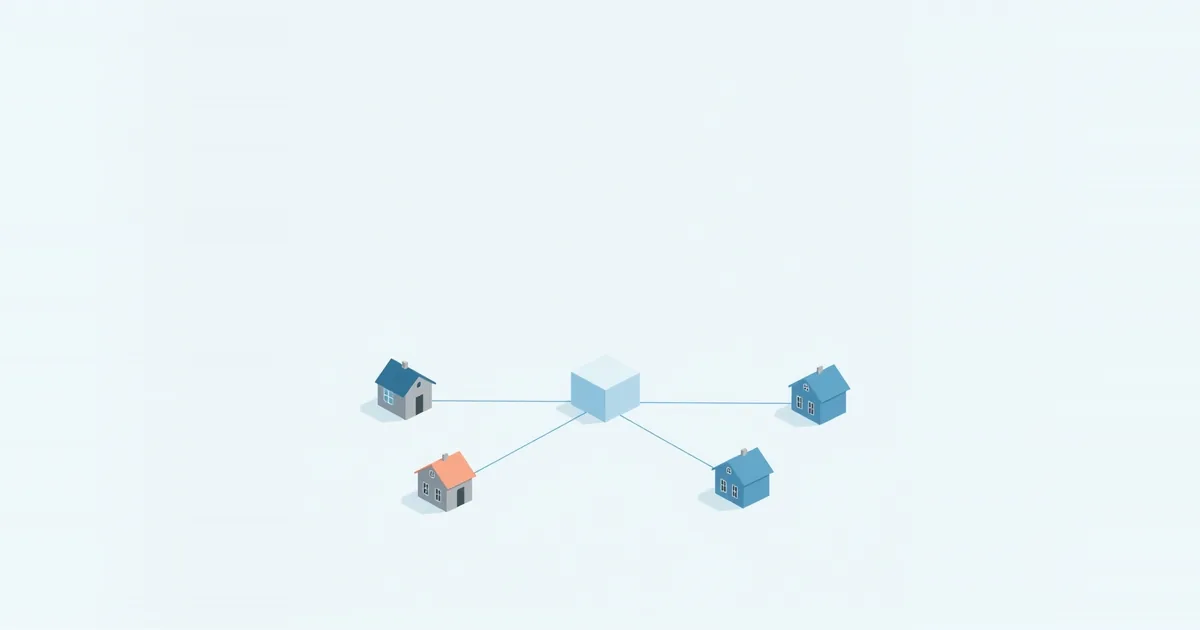
At home, your router already does network address translation (NAT): all your devices share the one public IP address the router gets from the provider. With CGNAT, the provider does the same thing one level up. Your router gets a private address from the provider’s network, and many customers’ routers share one public IPv4 address on the provider’s side.
The internet sees the provider’s shared address, not yours. Traffic you start — browsing, streaming, calls — works normally, because the provider’s NAT remembers who asked for what and sends the replies back. Traffic that starts from the outside has no way to reach you, because the shared public address belongs to hundreds of homes and the provider’s equipment does not know which of them a new incoming connection is for.
For this purpose, the IETF reserved a special block of addresses, 100.64.0.0/10 — from 100.64.0.0 to 100.127.255.255 — in RFC 6598. If your router’s internet address falls in that range, you are almost certainly behind CGNAT.
Why Providers Use It
The world ran out of new IPv4 addresses years ago. Providers that grow, especially mobile networks, fixed wireless and satellite services, and newer fiber companies, often cannot get enough public IPv4 addresses for every customer. CGNAT lets them serve many customers with a small pool. Starlink and T-Mobile Home Internet, for example, use CGNAT for IPv4.
The long-term fix is IPv6, which has enough addresses for every device. Many CGNAT providers also give customers IPv6, which can solve some of the problems below.
How to Check if You Are Behind CGNAT
You need two addresses: the one your router has on its internet (WAN) side, and the one the internet sees.
- Find the router’s WAN address. Log in to the router — see what is my router IP if you do not know the address — and open the status or internet page. Look for WAN IP, Internet IP or IPv4 address.
- Find your public address. Open What Is My IP? on a device connected to that router.
- Compare them.
| Router WAN address | Compared with public IP | What it means |
|---|---|---|
| Same as the public IP | Identical | No CGNAT. Port forwarding can work. |
| In 100.64.0.0–100.127.255.255 | Different | CGNAT |
| Private (10.x, 172.16–31.x, 192.168.x) | Different | Either CGNAT or another router in front of yours (double NAT) |
The last row needs one more check. If your router connects to a provider gateway or another router, the private address comes from that box, not from the provider; that is double NAT, which you can fix at home by putting the gateway in bridge mode. If your router connects directly to the provider’s modem or ONT and still gets a private address, it is CGNAT. Our guide to modem vs router vs gateway helps you tell the boxes apart.
What CGNAT Breaks — and What It Doesn’t
Works normally: browsing, streaming, video calls, online shopping, most online gaming as a player, VPN apps that connect out to a VPN service, and smart devices that talk to their cloud.
Breaks or gets harder:
- Port forwarding. You can create the rule on your router, but incoming connections never reach it. Our port checker will show the port as closed whatever you do. See how to port forward for the full checklist.
- Hosting. Game servers (Minecraft and others), a home web server, a Plex or Jellyfin server reached directly from outside, remote desktop to a home computer.
- Remote access to cameras and NAS devices that rely on an open port rather than the maker’s cloud service.
- Some online games and voice chat. Consoles often report a strict or moderate NAT type; see NAT type strict.
- Reputation shared with neighbors. If someone else on the same shared address misbehaves, websites may show you extra CAPTCHAs or blocks.
Workarounds
Ask the provider for a public IP address. Many CGNAT providers will move a customer to a public IPv4 address on request, sometimes for a fee, sometimes as part of a business or static IP plan. This is the cleanest fix: once your router has a public address, normal port forwarding works.
Use IPv6 if both ends support it. CGNAT usually affects only IPv4. If your provider gives you IPv6 and the people or devices connecting to you also have IPv6, you can allow incoming connections in the router’s IPv6 firewall instead of forwarding ports.
Use a tunnel or an overlay network. Services such as Tailscale, ZeroTier or Cloudflare Tunnel make an outgoing connection from your home to their network, so nothing needs to come in through the provider’s NAT. They are the usual way to reach a home server, NAS or Home Assistant from outside without a public IP.
Use a VPN that offers port forwarding. Some VPN services assign you a port on their server and forward it to your device through the VPN connection. This works for hosting, but all traffic for that service then passes through the VPN provider.
Rely on the device’s cloud. Cameras, NAS devices and media servers usually have a relay or cloud access feature built for exactly this situation. It is slower than a direct connection, but it works behind CGNAT.
Frequently asked questions
How do I know if I have CGNAT?
Compare the WAN address on your router’s status page with the address shown by a “what is my IP” page. If they differ and the router is connected directly to the provider’s modem, you are behind CGNAT. A WAN address starting with 100.64 to 100.127 confirms it.
Can I port forward with CGNAT?
Not through the provider’s NAT. You need a public IP from the provider, IPv6, a tunnel service or a VPN with port forwarding.
Is CGNAT bad for gaming?
Playing online usually works, but consoles may report a strict or moderate NAT type, which can make matchmaking, party chat and hosting harder.
Is CGNAT a security risk?
It is not a risk in itself, and it even blocks unsolicited incoming connections. Its downsides are lost hosting ability and a public address shared with other customers.
What is the 100.64.0.0 address on my router?
It is from the shared address space reserved for carrier-grade NAT in RFC 6598. Your router is behind your provider’s CGNAT.