Should you keep the cable gateway or buy two boxes?
Contents
Keep a cable gateway if it already gives you reliable Wi-Fi and the cost fits your bill. Buy separate devices if you want to upgrade Wi-Fi independently or put the router somewhere better than the coax outlet. An owned modem-router combo makes sense if you want one box and your provider approves that model for your plan.
Compare the three cable internet setups
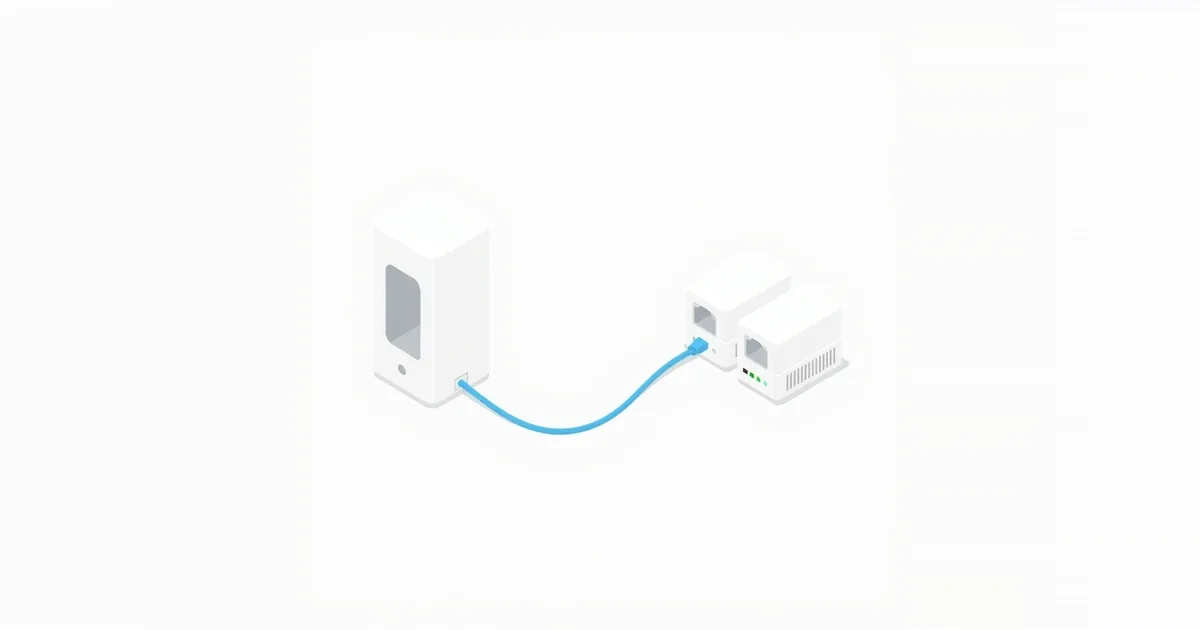
A cable modem handles the connection to your provider. A router shares that connection with your home devices. A gateway combines both functions. What a modem and a router each do
| Setup | When it fits | What to check |
|---|---|---|
| Rent the provider's gateway | The bill is acceptable and the box already covers your home | Whether the provider charges a separate equipment fee and what service features depend on the box |
| Buy a modem-router combo | You want one box and can put it where Wi-Fi reaches your devices | The exact gateway model, plan speed, and future Wi-Fi upgrade cost |
| Buy a modem and router separately | You want to replace Wi-Fi later without replacing the modem | The provider's approved modem list and a place to run Ethernet from modem to router |
Work out when buying pays for itself
Use the fee you would actually remove from the bill. Suppose a rental costs $15 per month and buying compatible separate devices costs $210. Divide 210 by 15. The simple break-even point is 14 months before tax, replacement costs, or plan changes. Those numbers are an example. Use your bill and the price of the equipment you would buy.
If service includes a gateway at no separate charge, buying equipment may leave your monthly bill unchanged. Ask what your bill will be once you return the gateway. If you mainly want better Wi-Fi, find out whether you can use your own router with the existing gateway. How bridge mode works
Need the login details for your router? Look up the default IP address, username and password for your brand.
Find your router’s default loginCheck your plan before buying
- Find your provider's approved list and match your address or plan, the advertised speed, and the exact modem or gateway model. Check any phone service or other options you want to keep.
- Ask how you will activate that equipment and whether returning the rented box changes the bill.
- If you keep a gateway and add your own router, follow your provider's instructions for bridge mode or use the new unit in access point mode if all you need is Wi-Fi. Xfinity, for example, documents features you lose when its gateway is bridged. Xfinity's equipment compatibility guide · Xfinity's bridge mode guide
Frequently asked questions
Do separate devices make cable internet faster?
Your plan and compatible modem still set the internet connection's limits. A separate router can help if poor Wi-Fi or router placement is what slows down devices in your home.