Modem vs Router vs Gateway: What Each Box Does and Which You Need
Contents
Most homes have one or two boxes with blinking lights near the place where the internet cable comes in. They look alike, often come from the same provider and get called “the router” or “the modem” interchangeably. They do different jobs, though, and knowing which is which saves time whenever something breaks, when you want to replace your Wi-Fi or when a guide tells you to “log in to your router”.
The Short Answer
| Box | What it does | What it connects to |
|---|---|---|
| Modem (or ONT for fiber) | Turns the provider’s signal into a normal network connection | The provider’s line on one side, one device on the other |
| Router | Creates your home network: shares the connection, gives out local addresses, runs Wi-Fi and the firewall | The modem on one side, all your devices on the other |
| Gateway | A modem and a router in one box | The provider’s line and all your devices |
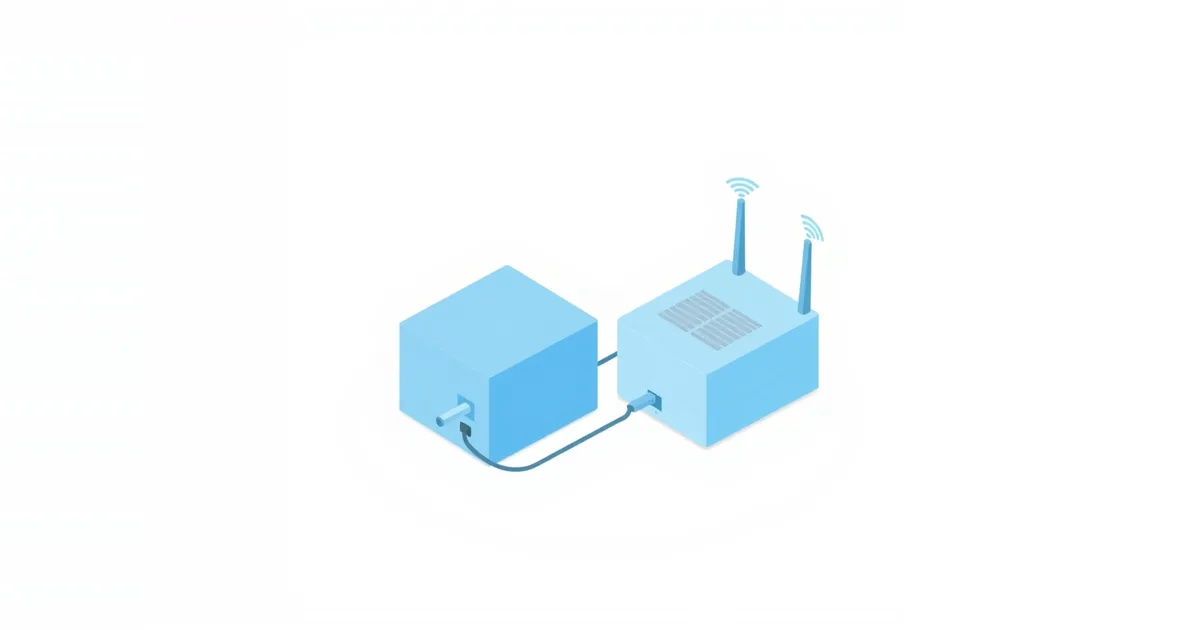
In one sentence: the modem brings the internet into the house, the router shares it inside the house.
What a Modem Does
The line from your provider carries data in a form a computer cannot use directly: radio frequencies on a cable TV coax, a signal on a telephone line, light in a fiber or a mobile signal for 4G and 5G home internet. The modem translates that signal into an ordinary Ethernet connection.
The kind of modem depends on the line:
- Cable uses a cable modem, connected with a coaxial cable — the round screw-on connector.
- DSL uses a DSL modem on the telephone line.
- Fiber uses an optical network terminal, usually called an ONT, often mounted on a wall.
- 4G or 5G home internet uses a box with a SIM card that receives the signal from the mobile network.
A plain modem has one Ethernet port and gives the internet connection to one device. It does not create Wi-Fi and does not have a settings page full of options. Its lights tell you whether the provider’s line is working, which is why support teams ask about them first.
What a Router Does
The router takes that single connection and builds your home network around it. It gives every phone, laptop and TV its own private address, such as 192.168.1.23, from ranges reserved for local networks, and keeps track of which device asked for what, so that replies from the internet reach the right one. This is called network address translation, or NAT. The same box usually runs the Wi-Fi, has a few Ethernet ports for wired devices and includes a basic firewall that blocks unsolicited connections from the internet.
The router is also the box with the settings page you open in a browser at an address like 192.168.0.1. Wi-Fi name and password, parental controls, port forwarding and the list of connected devices all live there. If you are not sure which address your router uses, see what is my router IP.
What a Gateway Is
A gateway combines a modem and a router in one box, and it is what most providers rent out today. Xfinity and AT&T, for example, call their combined units gateways; in some countries the same thing is called a home hub or a modem-router.
The advantage is simplicity: one box, one power plug, one place to restart, and the provider can support and update it remotely. The trade-off is flexibility. Provider gateways often have fewer settings than a retail router, their Wi-Fi may be weaker than a dedicated router or mesh system, and some lock parts of the configuration.
How to Tell What You Have
- Count the boxes. One box connected to the wall line and making Wi-Fi is a gateway. Two boxes in a row — the first connected to the wall, the second to the first with an Ethernet cable — are a modem and a router.
- Look at the ports. A coax connector, a phone-line socket or a fiber cable means the box includes a modem. A box with only Ethernet ports, one of them marked WAN or Internet, is a router.
- Read the label. The label usually says “Cable Modem”, “Gateway”, “Router” or “ONT”, and it lists the model you can look up. For routers, it often shows the admin address and login too.
- Check the Wi-Fi. If only the second box broadcasts a network, the first one is a plain modem.
Do You Need Both?
You need both functions — a modem to connect to the provider and a router to share the connection — but not necessarily two boxes. A gateway does both. With fiber, the ONT is the modem and you add a router, which the provider may supply or you may buy yourself.
If you rent a cable modem, buying your own can make sense over time; cable providers publish lists of modems approved for their network, and only those will be activated. A router you can choose freely, since it only talks to the modem over Ethernet.
Does a better router make the internet faster? It cannot make your plan faster, but it can deliver more of it over Wi-Fi to more rooms and devices. If your connection is fast on a cable and slow on Wi-Fi, the router is where to invest; our guide on why Wi-Fi is slow shows how to check.
Using Your Own Router With a Provider Gateway
Plugging a new router into a provider gateway works, but it creates two routers in a row. Each one does NAT, which is called double NAT. Browsing and streaming work fine, but port forwarding, some online games and some video call features can break, and you now have two Wi-Fi networks competing with each other.
There are three clean ways out:
- Bridge mode on the gateway. Many gateways can switch off their router part and act as a plain modem. Your own router then gets the public address and does all the routing. The option is usually called Bridge Mode; on some AT&T gateways, the similar function is IP Passthrough.
- Access point mode on your router. If the gateway must stay in charge, set your new router to access point mode. It then only adds Wi-Fi and Ethernet ports and leaves routing to the gateway.
- Turn off the gateway’s Wi-Fi. If you keep both routers, at least disable the gateway’s Wi-Fi so your devices connect to one network only.
Our step-by-step guide on how to set up a new router covers connecting the router to the modem, and how to port forward explains why double NAT gets in the way.
Frequently asked questions
Is a modem the same as Wi-Fi?
No. A plain modem only connects your home to the provider; Wi-Fi comes from the router. Gateways do both, which is why the two get confused.
Can a router work without a modem?
It can run a local network and Wi-Fi without a modem, so devices can talk to each other and to a printer, but there is no internet without a modem or ONT connected to the provider’s line.
Which one should I restart first?
The modem. Turn off both, start the modem, wait until its lights show a connection, then start the router. Restarting the router alone does not help if the modem lost the line.
What is an ONT?
An optical network terminal is the modem for fiber internet. It converts light in the fiber into an Ethernet connection for your router.
Should I buy my own modem or rent one?
Buying saves the monthly rental over time, but only modems on your provider’s approved list will work, and you are responsible for replacing it if it fails. Renting means the provider handles support and updates.