Map your 2.5GbE path from the modem to the device
Contents
A 2.5 Gigabit Ethernet port helps only on the link where both ends can negotiate that speed. Decide whether you are trying to improve a single computer's internet speed or a local transfer to a NAS. The two jobs use different parts of the network.
Read the labels and check the manual
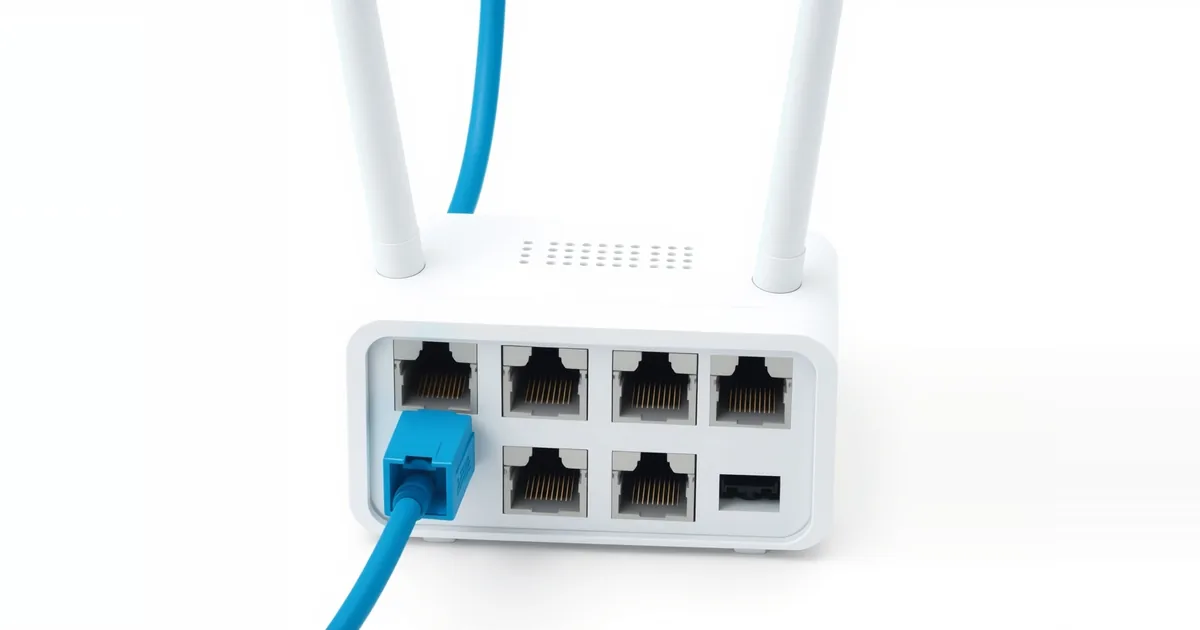
Look for 2.5G, 2.5GbE, or a port with a configurable WAN/LAN label. A WAN port connects the router to the modem or ISP gateway. LAN ports serve computers, switches, and other local devices. Some models provide separate 2.5 Gbps WAN and LAN ports. Others make one multigig port configurable or limit the remaining LAN ports to gigabit. How to identify WAN and LAN ports
Count every hop the transfer uses
| Goal | Path to check | Example bottleneck |
|---|---|---|
| A single PC on a 2 Gbps internet plan | Modem port, router WAN, router LAN, switch if present, then PC adapter | A 1 Gbps LAN port limits the wired PC even when WAN is at 2.5 Gbps. |
| A local copy from a PC to a NAS | PC adapter, local switch ports, then NAS adapter | A gigabit NAS port limits the transfer even if the switch uplink is faster. |
| Several clients sharing a faster internet plan | Modem and WAN link, then the aggregate traffic across LAN and Wi-Fi | A gigabit WAN can limit the shared total. Individual client ports still have their own rates. |
For the 2 Gbps example, a 2.5GbE WAN removes a gigabit cap on that side. If the PC is on a 1 Gbps LAN port, that single Ethernet hop still sets a ceiling below 2 Gbps. If your PC needs a USB adapter, check the adapter's negotiated Ethernet rate and the USB interface it requires. The USB-C plug alone does not specify the connection's data rate.
Need the login details for your router? Look up the default IP address, username and password for your brand.
Find your router’s default loginVerify the path before replacing hardware
Check the link speed on the PC, the switch, and the router if their status pages show it. If a supposed 2.5GbE pair negotiates at 1 Gbps, check the actual port labels, the cable, and the specifications at both ends. Change one connection and recheck the rate. Test a local transfer separately from an internet speed test so the ISP path does not obscure a LAN issue. How to identify an Ethernet cable problem
Frequently asked questions
Can a 2.5GbE port connect to a gigabit switch?
Many multirate copper ports can negotiate 1 Gbps with a gigabit switch. Check the model specifications for supported rates.