Check whether your garage needs its own network link
Contents
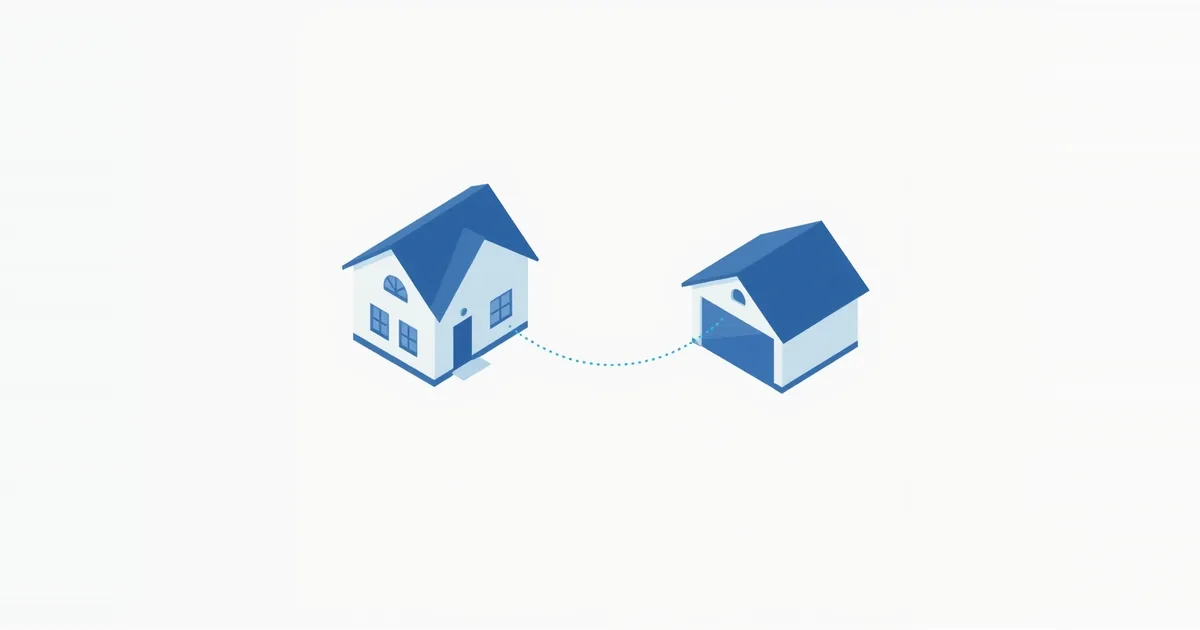
A detached garage needs a good connection back to the house as well as Wi-Fi inside the garage. Start by seeing what reaches the building with the door closed. That short test can tell you whether a mesh node is worth trying or the garage needs a dedicated link.
Test Wi-Fi with the garage door closed
Use the same phone and the same home Wi-Fi network throughout. Turn off mobile data briefly so a cellular connection cannot make a weak Wi-Fi link look like it works.
- Near the house router, load a fresh page and start a short video. This is your reference.
- Repeat just inside the garage with the door open. Then close the door and repeat at the workbench, camera location, or wherever the connection matters.
- Try three times in that final spot. If Wi-Fi drops or the video repeatedly stalls, try a spot in the house facing the garage. That may be a better position for a mesh node than the garage itself.
These checks only describe your phone at those locations. If the connection is for a camera or an opener, test the actual device after installation. Ways to improve Wi-Fi coverage
Choose how the garage will reach your router
| What you have | What to try |
|---|---|
| Usable Wi-Fi at a spot in the garage or at an outlet facing it | Try a compatible mesh node there. Check that it can reach the main unit and serve the intended device. |
| Poor indoor signal, with an unobstructed path between outdoor mounting points | Consider an outdoor point-to-point bridge. Use one unit at each building to carry the link. |
| A usable cable route between the buildings | Plan a wired connection and a garage access point. Ask the installer what cable and protection make sense for the route. |
A bridge kit can carry the house network across the gap. If its garage unit only bridges Ethernet, connect an access point there to provide Wi-Fi for your phone or camera. Check the kit's installation guide for alignment, weather protection, and power. TP-Link's outdoor bridge kit · Ubiquiti's building bridges
Need the login details for your router? Look up the default IP address, username and password for your brand.
Find your router’s default loginCheck the result where you will use it
Repeat the door-closed test at the original spot. Then try the job the connection was built for. For a camera, open its live feed and wait for it to settle. For a laptop, try the call or download you would normally use there. If the bridge reports a good link but the garage Wi-Fi still drops, test next to the garage access point to see whether the problem is inside the building. How an access point extends a wired network
Frequently asked questions
Will a Wi-Fi extender work through a closed garage door?
It can help if the extender's location receives a usable signal from the house. Try the network in that spot with the door closed before choosing where to plug it in.