What Is an ONT (Optical Network Terminal), and How Is It Different From a Modem?
Contents
If you have fiber internet, there is a small box somewhere in your home that most people never look at until the internet goes down: the ONT. It is the fiber equivalent of a modem, and knowing what it does makes outages much easier to sort out. Here is what it is, how it differs from your router, and what to check when the fiber connection stops working.
What an ONT Does
ONT stands for Optical Network Terminal. It is the device where the provider’s fiber-optic line ends at your home. Data travels through the fiber as pulses of light; the ONT converts that light into an electrical signal your equipment understands — and converts outgoing data back into light. In Verizon’s words, the ONT converts the optical signal into an electrical signal that is understood by your computer.
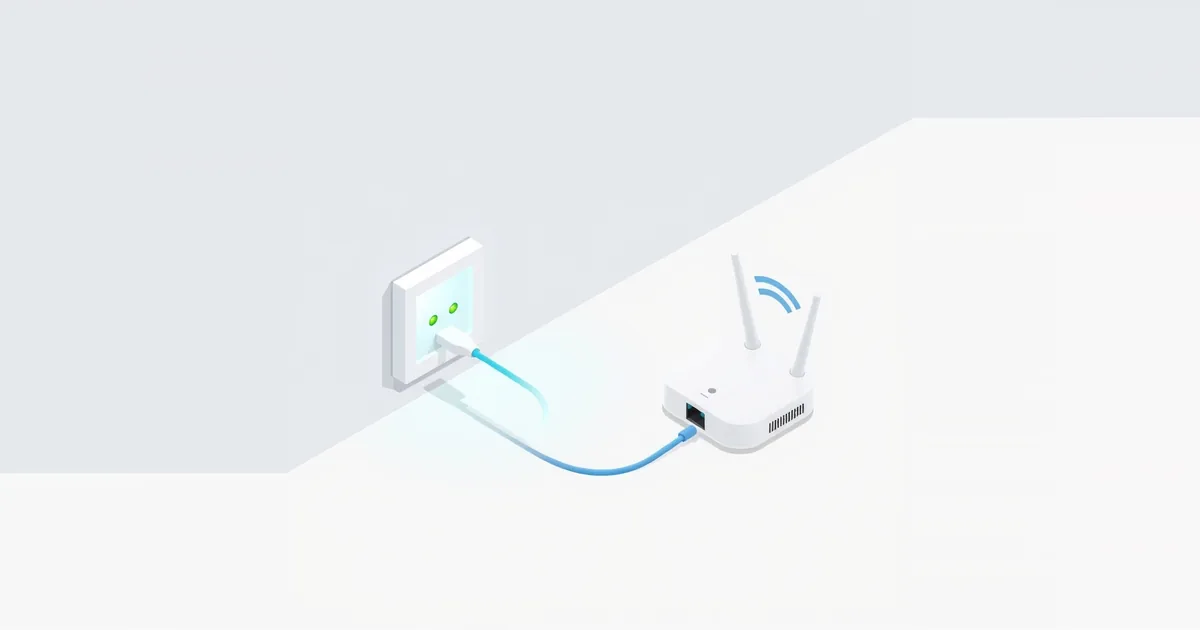
On the home side, the ONT hands the connection to your router, usually over an Ethernet cable. With some services it also splits the signal into internet, TV and phone.
Most home fiber networks use a passive optical network standard such as GPON (ITU-T G.984), in which one fiber from the provider is shared by several homes and each home has its own ONT. You may also see the term ONU (optical network unit); for home use it means the same kind of device.
ONT vs Modem vs Router
| ONT | Modem | Router | |
|---|---|---|---|
| Connection type | Fiber | Cable (coax) or DSL (phone line) | Any — sits behind the ONT or modem |
| Job | Light ↔ Ethernet | Coax or phone-line signal ↔ Ethernet | Shares the connection, Wi-Fi, firewall |
| Who provides it | The fiber provider | Provider or you | Provider or you |
| Has Wi-Fi | Usually not | Usually not (unless a combo gateway) | Yes |
So an ONT does the same job for fiber that a modem does for cable or DSL: it connects your home to the provider’s network. A cable modem cannot work on fiber and an ONT cannot work on coax. See modem vs router and, for cable modems, DOCSIS 3.1 vs 3.0.
Some providers put the ONT and the router into one gateway box. In that case there is no separate ONT on the wall: the fiber goes straight into the gateway.
Where the ONT Is
Verizon says the ONT is usually installed inside the home or office where existing phone service enters, but it can also be in a central equipment room you cannot access — common in apartment buildings. Look for:
- a small box on a wall in a garage, utility room, closet or basement, with a thin fiber cable going in;
- a desktop unit near where the fiber enters the home;
- a separate power supply next to it, plugged into an outlet.
The provider installs the ONT; it is the provider’s equipment. Verizon warns not to open the ONT, and fiber cables should not be bent sharply or pinched.
Power and Battery Backup
Unlike an old copper phone line, fiber carries no power. The ONT needs electricity from your home — Verizon notes that the ONT requires electricity to operate all services and that its power supply should stay plugged in at all times. When the power goes out, the ONT stops, and so does the internet, even if the router has battery power.
Some providers offer a battery backup unit. Verizon’s optional one keeps basic Fios voice service, including 911 calls, working for up to eight hours during an outage — not the internet. For keeping internet on during short outages, a small UPS for the ONT and router is the usual solution; see how much electricity a router uses to size one, and router not working after a power outage for what to do when power comes back.
Can You Use Your Own Router?
Usually yes. The ONT gives the connection to the router over Ethernet, so most providers let you connect your own router to the ONT’s Ethernet port instead of — or behind — theirs. Check with your provider first: some services need specific settings on the router, such as a VLAN or a PPPoE login. Plug the cable into your router’s WAN or internet port; see WAN port vs LAN port. If you keep the provider’s router and add your own, you may end up with double NAT.
When Fiber Internet Stops Working
- Check the ONT’s power. Make sure its power supply is plugged in and its lights are on. Verizon’s power supply has a light that should be green in normal operation.
- Look at the ONT’s status lights. Labels differ by model, but many ONTs have a light marked PON, LOS or similar for the fiber link. A red or blinking alarm light there usually means no signal is reaching the ONT over the fiber — something only the provider can fix, so call them.
- Restart in order. Unplug the ONT’s power for a minute, plug it back in, wait until its lights settle, then restart the router.
- Check the cable between the ONT and the router, and that it is in the router’s WAN port. A loose or damaged cable looks like an outage; see Ethernet cable not working.
- Check for an outage with your provider’s app or status page.
If the ONT looks normal but devices have no internet, the problem is more likely the router or Wi-Fi; see Wi-Fi connected but no internet. For how fiber compares with other connections, see fiber vs cable internet.
Frequently asked questions
What does an ONT do?
It turns the light signal on the fiber line into an electrical signal for your router, and back again for outgoing data.
Is an ONT a modem?
It does the same job for fiber that a modem does for cable or DSL, but it is a different device. A cable or DSL modem cannot be used on a fiber line.
Do I need a router if I have an ONT?
Usually yes. The ONT provides one wired connection; a router shares it between devices and creates the Wi-Fi network. Some providers combine both in one gateway.
Does the ONT need power?
Yes. Fiber does not carry power, so the ONT stops during a power outage unless it is on a battery backup or UPS.
What does a red light on the ONT mean?
On many models, a red alarm or LOS light means the ONT is not receiving a signal over the fiber. Restart it once; if the light stays red, contact your provider.