Should You Hide Your Wi-Fi Network? What a Hidden SSID Does and Doesn’t Do
Contents
Hiding your Wi-Fi network sounds like an easy security win: if neighbors cannot see it, they cannot try to get in. Routers offer it as a single checkbox. Unfortunately, a hidden network is only hidden from the list on your phone, not from anyone who wants to find it, and it brings a few side effects that make it worse than a visible network with a good password. Here is why, and what to do instead.
What Hiding the Network Does
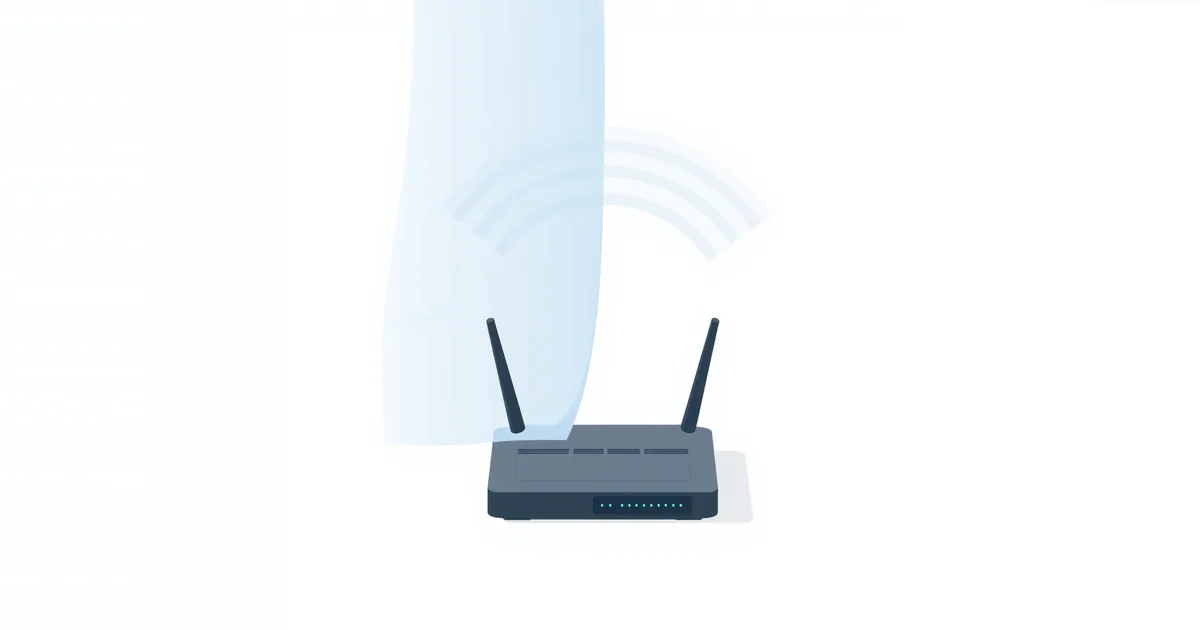
Your router normally announces its network name (SSID) several times a second in small messages called beacons. Phones and laptops listen for them to build the list of available networks. With the network hidden, the router leaves the name out of the beacons, so the network does not appear in that list, or shows up as “Hidden network”. To connect, you type the exact name and password manually.
That is all it does. The network still transmits, the router still answers devices that ask for it by name, and every connected device still sends and receives traffic you can see in the air.
Why a Hidden Network Is Not Invisible
The network is still on the air. Wi-Fi scanning apps and tools show hidden networks as nameless entries with their channel, signal strength and router hardware address. Anyone curious knows something is there.
The name leaks whenever a device connects. When one of your devices joins a hidden network, it has to ask for it by name, and that request is not encrypted. A person nearby running a common Wi-Fi tool can read the name the next time any device connects — which, in a busy home, is often within minutes.
It does nothing against the real threats. Getting into your network still requires the password. Breaking in depends on weak passwords and outdated security modes, which hiding the name does not change.
Apple’s recommended router settings list hidden networks as something to disable, and for the same reason: they offer no real protection and cause problems for devices.
The Downsides
Your devices broadcast the network’s name everywhere. Because a hidden network does not announce itself, devices configured to join it keep calling out for it by name — at home, at work, in cafés and at airports. That tells anyone listening which network your phone is looking for, and some systems warn about exactly this privacy risk.
Connecting is more annoying. Every new device, every guest and every reset means typing the name exactly, including capital letters and spaces. QR codes still work, but some devices handle hidden networks poorly.
Some devices misbehave. Smart-home gadgets, older laptops and streaming devices sometimes struggle to reconnect to hidden networks after a restart, or keep dropping.
What Actually Protects Your Wi-Fi
- A long random password. It is the single most effective protection. The Wi-Fi password generator makes one in your browser.
- WPA3 or WPA2/WPA3 mixed mode, never WEP or open networks; see WPA2 vs WPA3.
- WPS turned off if you do not use it; see what is WPS on a router.
- A strong router admin password and current firmware; see how to change your router admin password and how to update router firmware.
- A guest network for visitors and smart gadgets; see how to set up a guest Wi-Fi network.
- An occasional look at the device list; who is connected to my Wi-Fi shows how.
As for the name itself, a neutral one that does not reveal your address, family name or router model is a sensible small step — it gives strangers nothing to work with, without hiding anything.
If You Still Want to Hide It
There are a few legitimate reasons, such as keeping a secondary network for a single device out of everyone’s list. If you hide a network:
- In the router’s wireless settings, turn off SSID Broadcast or turn on Hide SSID and save.
- On each device, add the network manually: on iPhone, Settings → Wi-Fi → Other; on Android, Settings → Network & internet → Internet → Add network; on Windows, Settings → Network & internet → Wi-Fi → Manage known networks → Add network; on a Mac, Wi-Fi menu → Other Network. Enter the exact name, the security type and the password.
- Keep the password and security just as strong as on a visible network; hiding is not a substitute.
Frequently asked questions
Does hiding my SSID make my Wi-Fi more secure?
Not in any meaningful way. The network can still be detected, its name is revealed whenever a device connects, and the password remains what protects it.
Can neighbors see a hidden Wi-Fi network?
Not in the normal list of networks, but any Wi-Fi scanning app shows that a hidden network exists, and its name can be read when a device connects.
How do I connect to a hidden Wi-Fi network?
Add it manually in the Wi-Fi settings: choose Other or Add network, enter the exact network name, the security type and the password.
Does a hidden network slow down Wi-Fi?
No, the speed is the same. Some devices take longer to reconnect or drop more often on hidden networks.
What is a better way to protect my Wi-Fi?
Use WPA3 or WPA2/WPA3 mixed mode with a long random password, turn off WPS, keep the router updated and put guests on a guest network.
Sources
- Recommended settings for Wi-Fi routers and access points — Apple Support